Windows guide
How to create SRT subtitles for a recording on Windows
Subtitles for your own recording are really a timestamped transcript saved in a format players understand. The whole job is making those timestamps accurate and the text correct before the file leaves the app.
Short answer
You load the recording, the app transcribes it with local Whisper on your computer, and you export the finished transcript as Subtitles (.srt) or WebVTT subtitles (.vtt). Nothing goes to the cloud unless you pick an external AI provider for summaries.
- Load a video or audio file. The app accepts mp4, mov, mkv, webm, avi, and mp3, wav, m4a, ogg, flac.
- Wait for the recording to finish processing. Export only becomes available once it is ready.
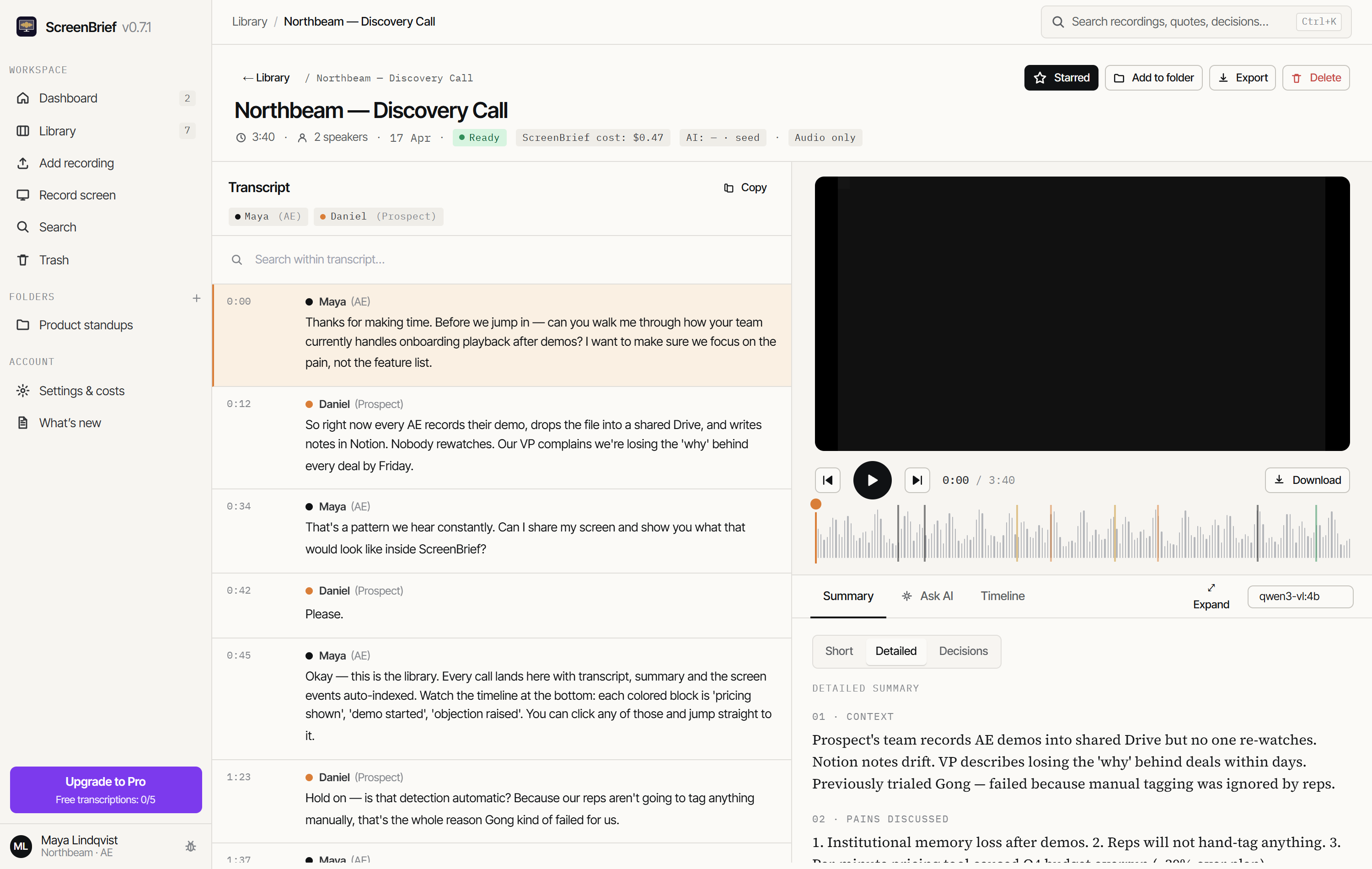
- Read through the transcript and fix what matters: the text of a chunk with “Edit”, the speakers by assigning their real names.
- Choose “Export”, then “Subtitles (.srt)” or “WebVTT subtitles (.vtt)”. The file carries the current state of the transcript, your edits included.
When .srt, when .vtt
| Format | What is inside | When to pick it |
|---|---|---|
| .srt | a sequence number, a timing line with commas (00:00:01,250 --> 00:00:03,500), then the speaker label and the text | desktop players, video editors, anywhere that asks for “subtitles” |
| .vtt | a WEBVTT header, timings with dots, and the speaker written as a voice tag <v Speaker> | a player in the browser, that is an HTML <track> element |
Both files come from the same transcript and carry the same timings. Only the notation differs, so the format does not change what the subtitles say.
Fix the transcript before you export
The export is a snapshot of what you see in the app. Every correction made beforehand lands in the file, and every one skipped stays in the subtitles — after exporting you are editing a file, not a recording.
- Check names first. Speech recognition gets rare names wrong most often, and they are the mistakes viewers notice.
- Assign real names to the speakers, because the speaker label is part of every subtitle line.
- Look at the parts where people talked over each other. That is where timings overlap most.
- If the recording opens with a long silence, check the first entry before deciding the subtitles are out of sync.
Edits are saved to the transcript, so you can export again and again with the current text. The same transcript also feeds the summary and the decision list, described in the guide on finding a decision.
What this export does not do
- It does not wrap lines to broadcast subtitle conventions. One entry is one chunk of speech, so a long sentence stays a long entry.
- It does not drop the speaker label from the line. Without assigned names, the cluster label the app recognised stays in the subtitles.
- It does not translate. The file carries whatever the transcript says.
- It does not burn subtitles into the picture. You get a separate file to attach in a player or an editor.
Where the transcription runs
Stays on your disk
- The recording and its copy in the app library.
- The transcript computed by local Whisper, with speakers and timestamps.
- The exported subtitle file, saved wherever you point it.
Leaves only if you choose it
- The transcript text to an external AI provider, if you pick one for summaries instead of the local model.
- The audio to an external provider, if you pick API transcription instead of local Whisper.
Subtitles alone need no external provider at all. Keeping the whole loop on your computer is covered in the Ollama guide, and installing the model without a terminal in the Whisper guide.
What else comes out of the same recording
- Word document (.docx) — the same note, ready to edit in Word.
- Markdown (.md) — the full note with transcript, summary and decisions.
- Calendar tasks (.ics) — the extracted tasks as calendar entries.
- Print / save as PDF — a version to send to someone without the app.
- Copy the full record — the whole text to the clipboard, no file saved.
The first 5 transcriptions are free. Pro is either 299 PLN once for one computer or a 29 PLN monthly subscription.
Subtitle your own recording
The first 5 transcriptions are free, and with the local model they need no API key at all.
Get it from Microsoft Store