Comparison
ScreenBrief vs Zoom AI Companion: a summary in the cloud or on your own PC
Zoom AI Companion creates meeting summaries in the cloud with Zoom’s own models and third-party ones such as OpenAI and Anthropic, in 33 languages. It is unlimited from the paid Pro plan, and the free Basic plan covers summaries of 3 meetings a month. ScreenBrief transcribes and summarizes a recording from Zoom or any other app on your Windows PC, offline and with no account.
The main difference: where the summary is made
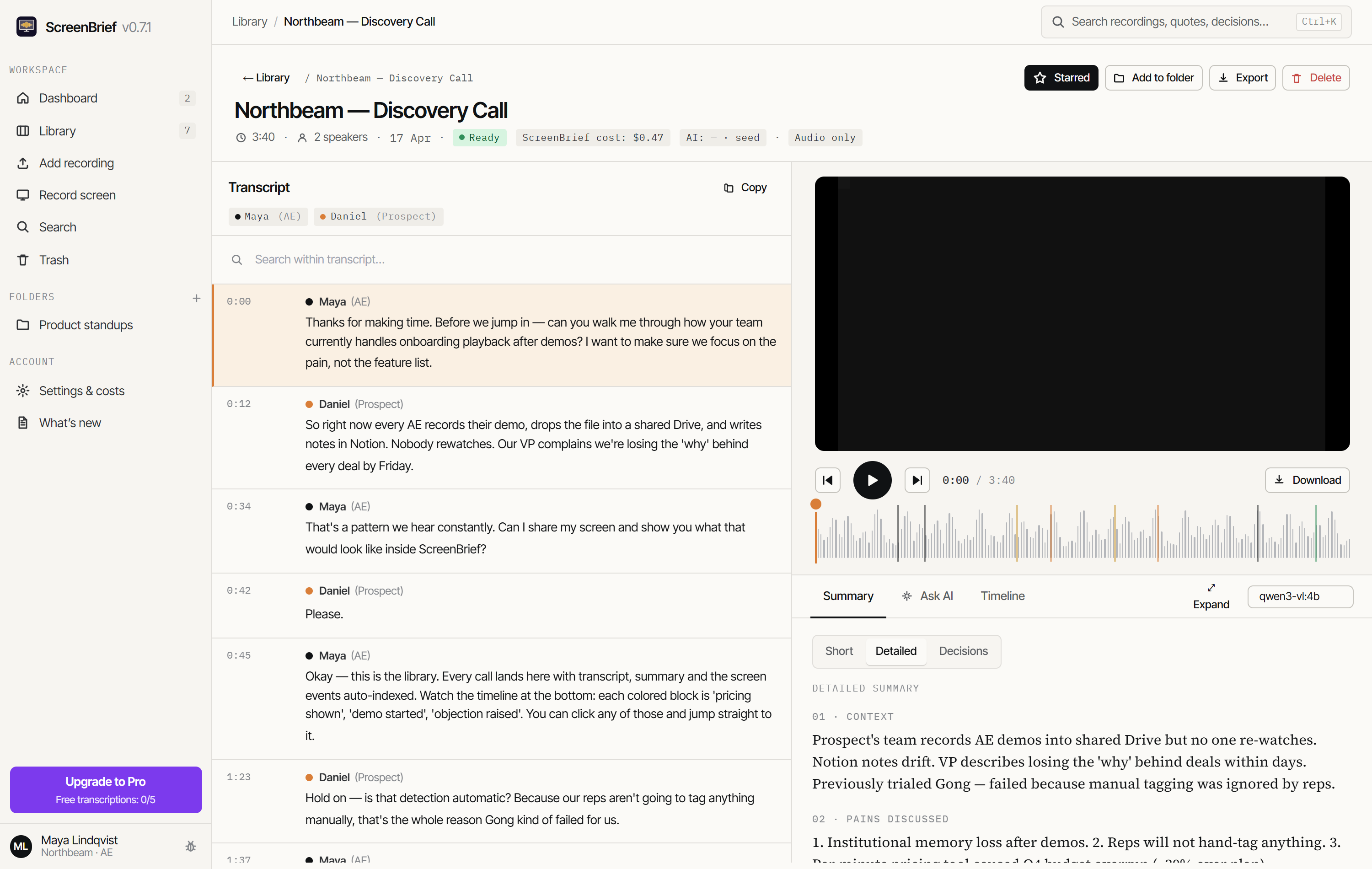
AI Companion is part of the Zoom platform: the meeting summary is made in the cloud, and signed-in participants can receive it automatically. My Notes in the Zoom Workplace desktop app also transcribes audio from other apps, such as Microsoft Teams or a browser, and in-person meetings. ScreenBrief transcribes and labels speakers on your own PC, from a screen recording or a file, and takes AI notes from local Ollama or through your own key.
ScreenBrief: stays on your PC
- Recordings, transcripts and notes stay in the app’s folder on your disk.
- Transcription and speaker labels work without internet once the speech model is downloaded.
- AI notes come from local Ollama or, if you choose, from a provider you connect with your own key.
Zoom AI Companion: goes to the cloud
- Transcription and the summary are made in Zoom’s cloud.
- Zoom uses its own language models and third-party ones, including OpenAI and Anthropic.
- Zoom says it does not train AI models on customers’ audio, video, chat or other content.
Comparison table (checked 9 November 2026)
The Zoom AI Companion facts come from Zoom’s support articles and the Zoom Workplace pricing page as read on 9 November 2026; the links are under “Sources”. We do not compare accuracy, because we have not measured AI Companion on the same recordings.
| App | Where transcription runs | Bot in the call | Languages | AI training on your data | Account | Price | Platform |
|---|---|---|---|---|---|---|---|
| ScreenBrief | On your PC (Parakeet or Whisper), offline too | No: records the screen and sound, or imports a file | About 100, including Polish | No: recordings never reach the maker | Not needed | 5 free transcriptions, then 299 PLN once (≈ 76 USD) or 29 PLN a month (≈ 7.40 USD) | Windows 10/11 |
| Zoom AI Companion | In Zoom’s cloud (Zoom models, OpenAI, Anthropic) | No: it is a Zoom feature; My Notes also transcribes other apps | Meeting summary in 33 languages | No, according to Zoom | Required (Zoom account) | Basic free: summaries of 3 meetings and 3 My Notes uses a month; Pro $14.16 per user a month, billed annually, before tax | Zoom Workplace desktop and mobile apps, Zoom Web App |
Prices change; check them before you decide. Zoom’s prices are per user and before tax, as shown on its pricing page from Poland; on Pro, meeting summaries are included in the licence. ScreenBrief Pro is licensed per computer and priced in Polish zloty, so the dollar amounts are approximate.
Privacy and GDPR
Zoom explains that its AI features use Zoom’s own large language models in addition to third-party models such as OpenAI and Anthropic, and that it does not use customers’ audio, video, chat, screen sharing or other communications-like content to train AI models. It also notes that AI features may not be available in every region. Meeting content therefore goes to Zoom’s cloud and its model providers; if your organisation is in the European Union, check with your data protection officer where the data is processed and which agreement covers it.
ScreenBrief keeps recordings, transcripts, notes and the search index on your PC. Its maker runs no server that receives recordings and cannot read them, so transcription alone hands the participants’ voices to no company. If you connect your own key for AI notes, for example for OpenAI or Anthropic, the transcript text goes to that provider on its terms; email addresses and phone numbers are removed from it by default. Notes from local Ollama stay on your PC.
A local app does not remove your GDPR duties: tell participants you are recording and keep recordings only as long as you need them. The privacy policy describes how ScreenBrief handles data.
Offline use and recordings from other apps
AI Companion runs in the cloud, so the meeting content has to reach Zoom. Once its speech model is downloaded, ScreenBrief transcribes without internet, including an MP4 or M4A file Zoom saved on your computer; transcribe a Zoom recording on Windows shows where to find it.
Both tools work outside Zoom. My Notes transcribes audio from other apps, such as Microsoft Teams, Slack or a browser, from the Pro plan up, and 3 times a month on the free plan. ScreenBrief records the screen and system sound of any calling app or imports a finished file.
When Zoom AI Companion is the better choice
Pick Zoom AI Companion when:
- Your company already pays for Zoom Workplace (Pro or higher) and most meetings happen in Zoom: summaries are included in the licence.
- The summary should reach signed-in participants automatically.
- You need notes on a phone or in a browser: My Notes works in the Zoom Workplace mobile app and in the Zoom Web App.
- Summaries of 3 meetings a month on the free plan are enough.
When ScreenBrief is the better choice
Pick ScreenBrief when:
- Meeting content must not go to a cloud or to third-party AI models.
- You have local recordings from Zoom or other apps and want them transcribed with speaker labels, offline.
- You do not pay for Zoom Workplace Pro for everyone who needs notes from several calling apps.
- You want to search every recording on your disk and ask a chat that cites the exact second.
- You would rather pay once: Pro costs 299 PLN, one time.
Limits: ScreenBrief runs only on Windows 10 and 11 (x64) and does not send summaries to participants itself; you export notes to Word, Markdown or PDF. Local transcription speed depends on your PC, so test it on a short recording first.
Frequently asked questions
Which languages does Zoom AI Companion summarize?
According to Zoom’s support article on 9 November 2026, meeting summaries support 33 languages, Polish among them. ScreenBrief transcribes about 100 languages and summarizes them on your own PC.
Is Zoom AI Companion free?
On the free Basic plan, within limits: summaries of 3 hosted meetings and 3 uses of AI notes in My Notes a month. Without those limits from the Pro plan, $14.16 per user a month billed annually, before tax, as shown on Zoom’s pricing page from Poland on 9 November 2026.
Does Zoom train AI on my meetings?
Zoom says it does not use customers’ audio, video, chat, screen sharing or other communications-like content to train AI models. Its AI features still run in the cloud, with Zoom’s models and third-party ones such as OpenAI and Anthropic.
Does Zoom AI Companion work in Microsoft Teams?
Yes, through My Notes in the Zoom Workplace desktop app: it transcribes system and microphone audio from other apps, such as Teams. It needs a Pro, Business, Enterprise or My Notes standalone account; on the free plan it works 3 times a month.
Can ScreenBrief transcribe a Zoom recording?
Yes. Import the MP4 or M4A file Zoom saved on your computer, or record the meeting in ScreenBrief. Transcription with speaker labels runs locally, with no Zoom account and no internet.
Sources
We checked the Zoom AI Companion facts on Zoom’s own pages on 9 November 2026:
- Zoom: Supported languages for Zoom AI features (33 summary languages)
- Zoom: Meeting summary (requirements, signed-in participants)
- Zoom: How Zoom AI features handle your data (models, AI training)
- Zoom: Using My Notes (other apps and in-person meetings)
- Zoom: Zoom Workplace pricing (plans and prices as shown from Poland)
If something has changed, write to contact@artflowmanagement.pl and we will update the comparison.
Try it on your own recording
The first 5 transcriptions are free, with no account and no bot in the call. The local speech model needs no API key.
Get it from Microsoft Store